+----------------------------+
| It's been four months. |
| Across six emails, I'll |
| show you what I've built |
| around malleable HTML |
| files. |
+----------------------------+
Hi web explorers,
If a checklist, tracker, or
dashboard has stalled at auth,
a database, or deployment,
this email is for you.
I started Hyperclay as a
hosting platform. Then I
realized the same kind of file
should work on your own
computer.
HTML Clay is a small desktop
app for macOS, Windows, and
Linux. It opens a local file
in your browser. ClayJS, a
small helper library, loads
from a script tag inside that
file.
Here is the whole path, from
the setup guide:
1. Download HTML Clay.
2. Download the guide's
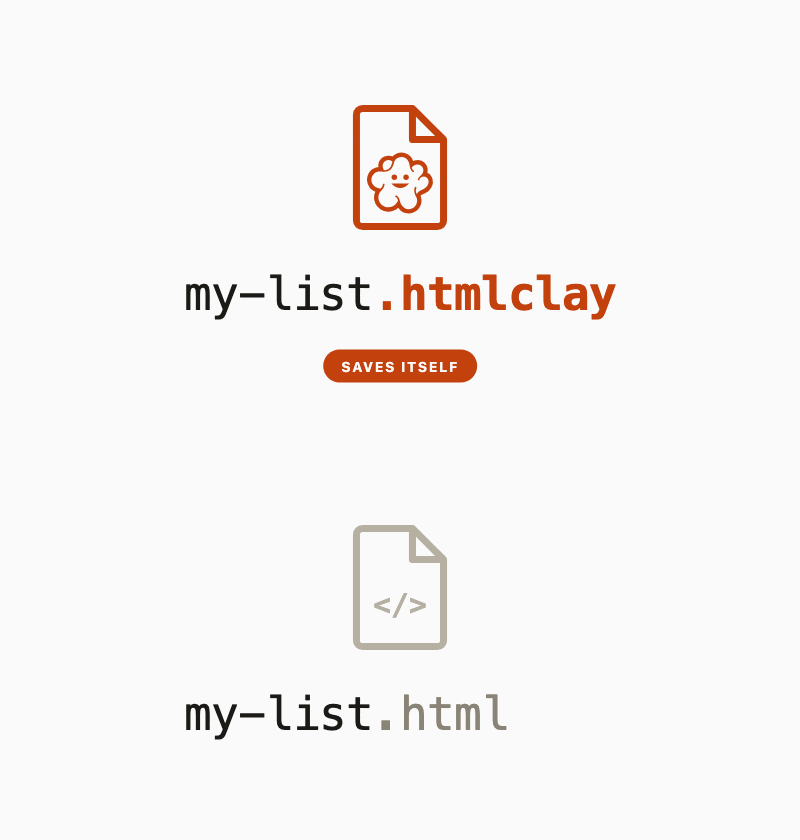
my-list.html, rename it to
my-list.htmlclay, and open it.
3. Add one ClayJS script tag
in your text editor.
4. Put
editable on what you want to change,
persist on each checkbox, and
autosave on <html>. Save, then reload the
browser tab.
Type into the page. The file
on your disk changes.
A browser tab cannot overwrite
a file by itself. HTML Clay
serves the file locally and
writes each save back into it.
No account. No build step.
HTML Clay stamps a save token
into the page. ClayJS reads
it, switches into edit mode on
its own, and turns
editableinto
contenteditable with atoolbar. Each save sends the
whole document back in one
POST.
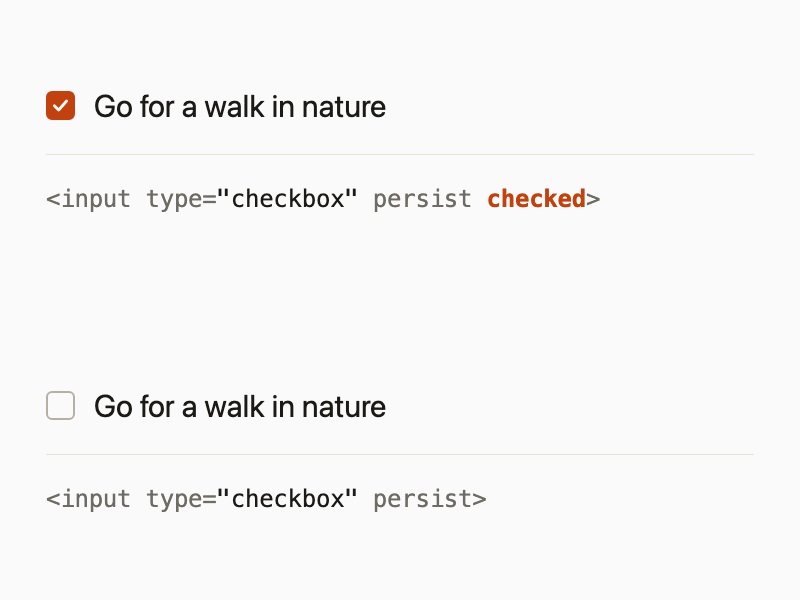
Put
persist on a checkbox,check it, and
checked appearsin the source. The saved
document is still HTML. Rename
it back to
.html and anybrowser opens it.
Your checklist and its saved
state stay together in that
file.
Once HTML Clay is installed,
wiring the file takes about
two minutes. The script tag in
the guide loads ClayJS from
clayjs.com. For offline use,
download ClayJS beside your
file and point the script tag
there.
The guide and downloads are
free. ClayJS is MIT-0. HTML
Clay's source is public.
HTML Clay's commercial license
charges nothing on the first
$1 million in annual revenue
from products built on it.
Above that, the fee is 3% of
the amount over $1 million.
Each release becomes MIT after
18 months.
I think this works best when
the interface and state can
live in the document. If your
project needs custom server
code, HTML Clay isn't a fit.
~~~~~~~~~~~~~~~~~~~~~~~~~~~~~~
I've been working toward this
since Remake, Hyperclay's
predecessor. I want software
to feel more like shaping a
document. Now I use these
files every day. They are the
simplest way I've found to
make and run software.
Let's hack software and make
it easier to build for
everyone,
David
@panphora
P.S. If you try it, hit reply
and tell me what you made.